

It’s Monday morning. Your finance team opens three browser tabs: the M-Pesa portal, the bank’s online platform and the ERP. One person downloads last week’s M-Pesa statement. Another exports the bank statement. A third sits with both spreadsheets, matching amounts and account numbers line by line, trying to work out which customer paid which invoice.
By lunchtime they’ve matched most of it. A few payments have no reference. Two customers paid the wrong amount. One payment was posted twice. By the time the books are right, the numbers are already out of date.
If this sounds familiar, you’re not alone. For many Kenyan businesses, payments arrive faster than finance can record them. M-Pesa, bank transfers, RTGS, EFT and cheques land every minute, but the ERP only catches up when someone captures them manually.
This article explains how M-Pesa and bank payment integration with your ERP closes that gap. We’ll cover what it is, how it works with Microsoft Dynamics 365 Business Central, what it changes for your team, and how to implement it without disrupting operations.
The Real Cost of Manual Payment Reconciliation
Manual reconciliation looks harmless because it’s familiar. It has always worked, more or less. But the hidden costs add up.

Time that should go to analysis
Reconciliation is repetitive, high-volume work. Your accountants are trained to analyse, forecast and advise, yet much of their week goes to copying transaction references from one screen to another. Every hour spent matching payments is an hour not spent on cash flow planning, budgeting or management reporting.
Errors that compound
Manual capture invites mistakes: a mistyped amount, a payment applied to the wrong customer, a transaction missed or posted twice. Each error creates a ripple. A customer is chased for money already paid. A statement goes out with the wrong balance. An auditor asks questions that take days to answer.
Delayed visibility
If payments are posted in batches at the end of the day, week or month, then your debtors ageing report is always out of date. You can’t tell in real time who has paid, who hasn’t and how much cash you actually hold. Decisions about purchasing, payroll and credit limits get made on stale numbers.
Weak controls and fraud exposure
When statements are downloaded, edited in Excel and re-uploaded, you create gaps in the audit trail. Spreadsheets can be altered. Payments can be allocated to the wrong account, by accident or on purpose. Segregation of duties becomes difficult to enforce.
Frustrated customers
Customers who have paid expect acknowledgement. When a receipt takes a day or two because the payment hasn’t been matched yet, it damages trust, and in customer-facing businesses like schools, SACCOs and utilities, it generates a steady stream of “I’ve already paid” calls.
What Is Payment Integration?
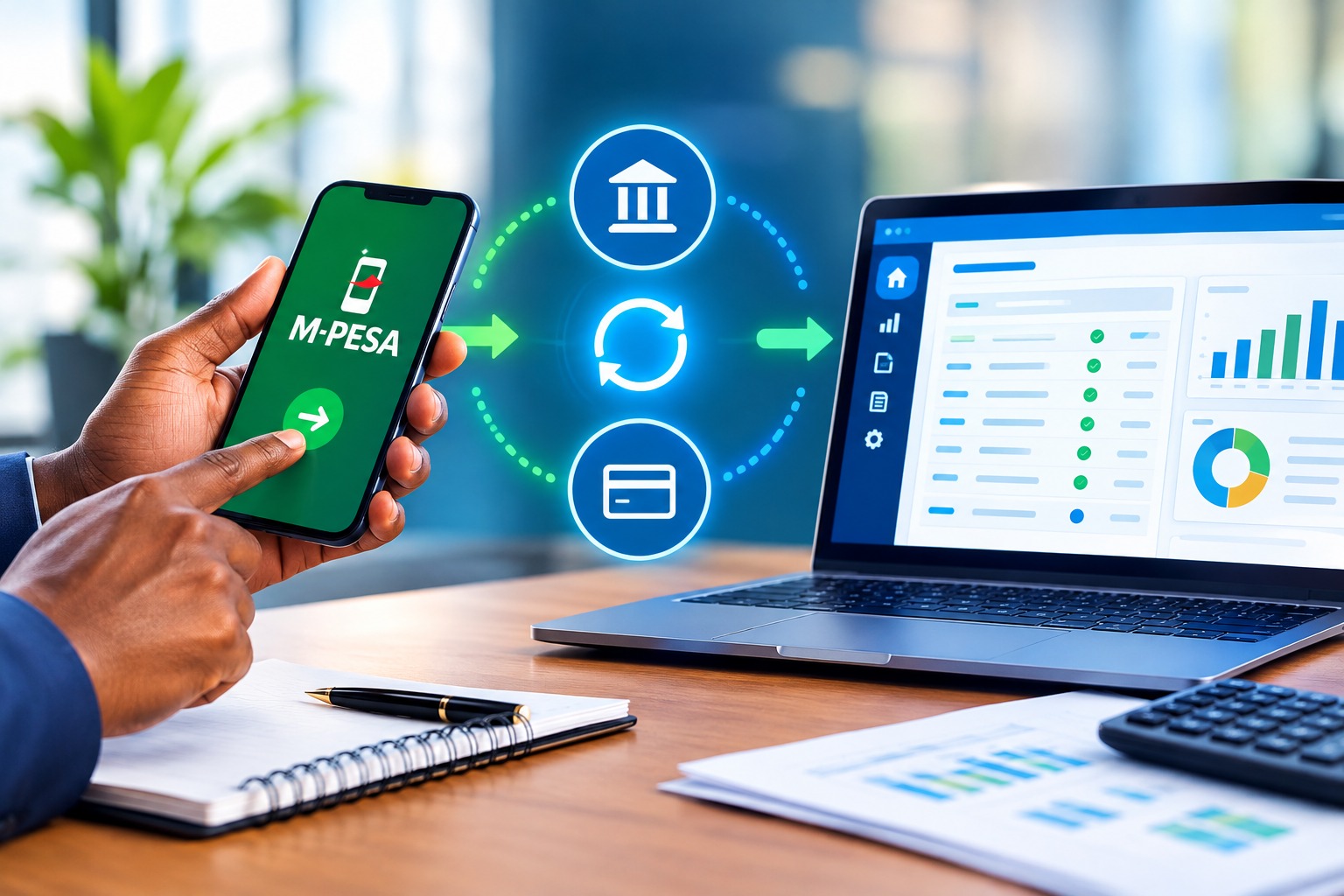
Payment integration is the automated, secure connection between your payment channels, such as M-Pesa and your bank accounts, and your ERP system.
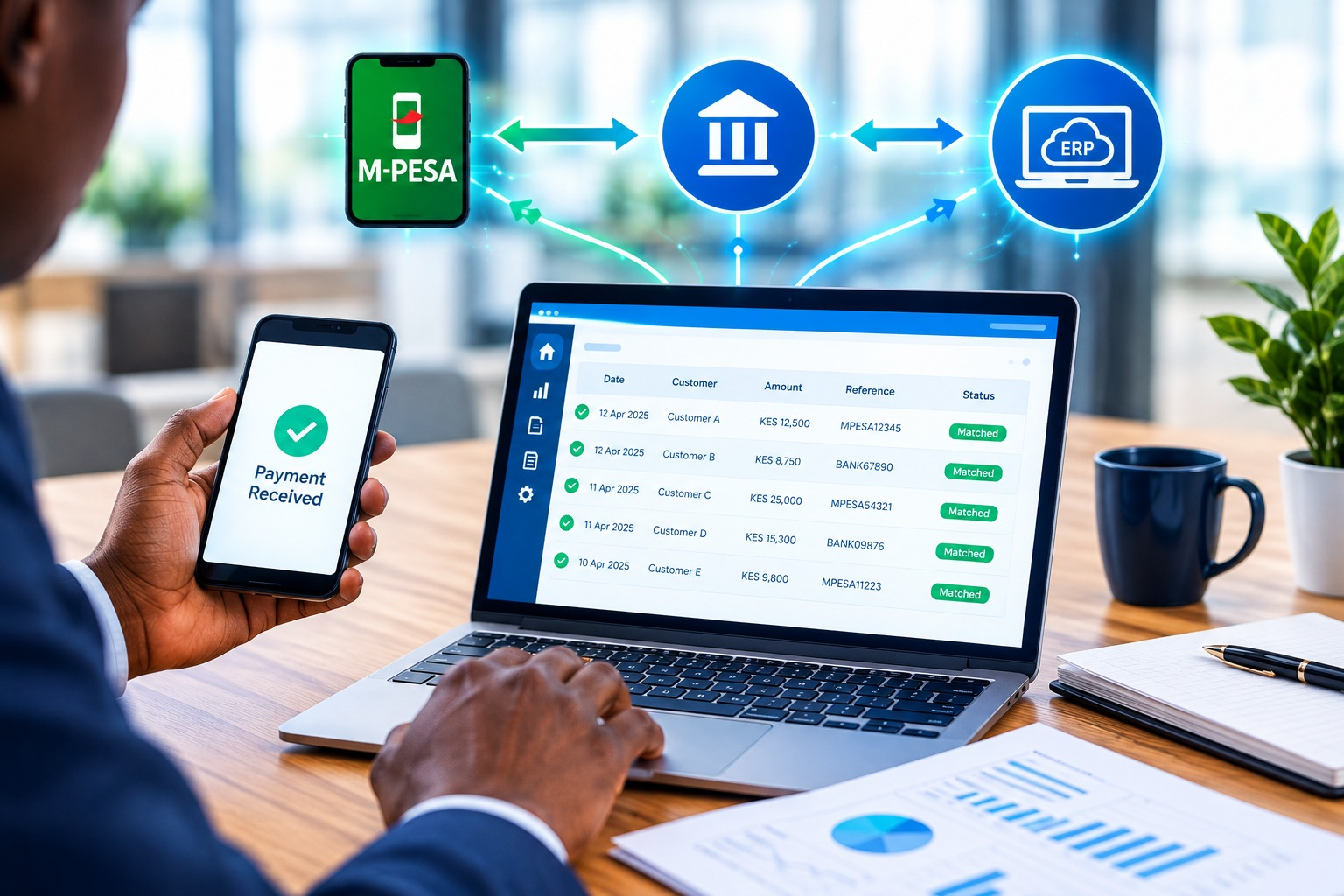
Instead of people moving data between systems, the integration does it for them. A payment received is captured, validated, matched to the right customer or invoice, and posted to the ledger with no re-typing.
In practice, an integrated setup typically handles four things:
- Collection: receiving payments from customers through M-Pesa (Paybill or Till), bank deposits, transfers and other channels.
- Capture: pulling transaction details into the ERP automatically, in near real time for M-Pesa and through automated statement import or feeds for banks.
- Matching: applying each payment to the correct customer, invoice or account using references, amounts and rules.
- Posting and reconciliation: recording entries in the general ledger and reconciling them against bank balances.
How M-Pesa Integration Works with Your ERP
M-Pesa is the most widely used payment channel in Kenya, and Safaricom provides APIs, known as the Daraja platform, that allow businesses to connect to it programmatically. A well-built integration uses these APIs to link your Paybill or Till number directly to your ERP.
Customer payments (C2B)
When a customer pays your Paybill or Till, M-Pesa sends a confirmation to a secure endpoint. The integration receives the transaction details, including the amount, phone number, transaction code and the account number the customer typed in, and creates a payment entry in Business Central.
If the account number is an invoice number, customer number, admission number, member number or policy number, the system can match it automatically and apply the payment to the right open entry.
STK Push (prompting the customer to pay)
With STK Push, your system sends a payment request straight to the customer’s phone. They enter their PIN, and the payment is tied to the invoice that triggered the request. Because the reference is generated by your ERP rather than typed by the customer, matching errors drop sharply.
Payouts and disbursements
Integration can also work in the other direction: paying suppliers, staff or members through M-Pesa from approved payment batches in the ERP, with an audit trail of who approved what.
What it looks like in Business Central
| Step | What happens | Who does it |
|---|---|---|
| Customer pays via Paybill/Till or STK Push | M-Pesa confirms the transaction | Customer |
| Transaction received | Integration captures amount, reference, phone number and transaction code | System |
| Matching | Payment is matched to the customer or invoice using the account reference | System |
| Posting | Cash receipt is posted and the customer ledger is updated | System |
| Exceptions | Unmatched payments go to a review queue | Finance team |
| Confirmation | Receipt or SMS can be sent to the customer | System |
Notice where people appear in that flow: only at the exceptions. That’s the real shift. Your team stops processing every transaction and starts reviewing the few that need judgement.
How Bank Payment Integration Works
Many businesses receive large volumes of payments through banks: corporate customers paying by EFT or RTGS, deposits made at branches, and cheque and standing-order payments. Bank integration brings those transactions into your ERP automatically.
Automated bank statement import
At its simplest, the integration retrieves your bank statements on a schedule and imports them into Business Central’s reconciliation module, with no manual downloading, editing or uploading. Every line arrives exactly as the bank recorded it.
Auto-matching rules
Once statement lines are in, Business Central’s payment reconciliation tools can propose matches between bank transactions and open customer or vendor entries. Matching can be based on:
- Invoice or document numbers in the payment reference
- Customer name or bank account details
- Exact amounts
- Rules your finance team defines, for example for recurring payments
Matches that are certain are applied automatically. Uncertain ones are presented for review.
Direct payments from the ERP
Integration can also support outgoing payments. Approved vendor payments, salaries and statutory payments can be prepared in the ERP and submitted to the bank in the required file format or through a secure channel, which removes the need to re-key beneficiary details into the bank portal. The result is fewer errors and stronger control over who can approve and release funds.
Bank reconciliation that closes itself
When both sides of the reconciliation, your ledger and the bank statement, are populated automatically, the month-end bank reconciliation becomes a short review instead of a multi-day project.
M-Pesa and Bank Integration Side by Side
Most businesses need both. Here’s how the two channels compare and complement each other:
| Feature | M-Pesa integration | Bank integration |
|---|---|---|
| Typical use | Retail, schools, SACCOs, utilities, field sales | Corporate customers, large invoices, supplier payments |
| Transaction volume | High volume, smaller amounts | Lower volume, larger amounts |
| Speed of capture | Near real time | Scheduled or near real time, depending on bank connectivity |
| Matching reference | Account number entered by customer or generated by STK Push | Payment narration, invoice number, customer details |
| Typical posting | Cash receipt journal | Payment reconciliation journal |
| Outgoing payments | Supplier, staff or member payouts | EFT, RTGS, salaries and statutory payments |
| Main benefit | Instant receipts, automatic allocation | Automated reconciliation, controlled payments |
Together they give you one consolidated, real-time view of cash across every channel, which is something spreadsheets can never provide.
Benefits of Integrating M-Pesa and Bank Payments
1. Faster, cleaner books
Payments are recorded as they happen. Your ledgers, customer balances and cash position stay current, so the month-end close is faster and less stressful.
2. Fewer errors
Automation removes re-keying. Transaction codes, amounts and references flow from source to ledger without human hands, so mismatches, duplicates and mistyped figures largely disappear.
3. Real-time visibility for decision-makers
With Power BI dashboards on top of Business Central, directors and finance managers can see collections by channel, outstanding debtors and daily cash position without waiting for a report to be compiled.
4. Better customer experience
Customers get instant confirmation of payment. Disputes fall, statements are accurate, and your team spends less time on “I’ve already paid” calls.
5. Stronger controls and audit trails
Every transaction carries a unique reference and a timestamp. Unmatched items are visible and tracked. Approval workflows govern outgoing payments. Auditors can trace any entry back to its source.
6. Time returned to your finance team
The biggest gain is often the least visible: people. When reconciliation stops consuming their week, finance staff can focus on credit control, forecasting, cost analysis and business partnering.
7. Scalability
As transaction volumes grow, a manual process needs more people. An integrated process simply handles more transactions. Growth no longer means adding headcount in the back office.
Who Benefits Most?
Any business that receives frequent payments from multiple channels gains from integration. It’s especially valuable for:
- SACCOs and microfinance institutions: member contributions, loan repayments and share deposits arriving through M-Pesa and banks every day.
- Schools and colleges: fee payments by parents, usually referenced by admission number, often in installments.
- Distributors and wholesalers: a mix of M-Pesa payments from small retailers and bank transfers from larger accounts.
- Property managers and real estate firms: monthly rent and service charge collections across many tenants.
- Utilities and subscription businesses: large numbers of recurring, low-value payments.
- NGOs and associations: donor funds, membership fees and project payments needing precise tracking and reporting.
- Healthcare providers and retailers: high-volume point-of-payment collections that need to reconcile at day end.
Common Objections, Answered
“Our reconciliation works fine as it is.”
It may work, but at what cost? Count the hours your team spends on it each month, the errors that slip through and the delay before management sees accurate numbers. Most businesses find the real cost is higher than assumed.
“Is it secure?”
A properly designed integration uses encrypted connections, restricted credentials, role-based access and full logging. In many cases it’s more secure than the manual alternative, where statements are emailed, downloaded and edited in spreadsheets.
“Our customers don’t use references correctly.”
This is common, and good integration is designed for it. Matching rules, STK Push and an exceptions queue mean that imperfect references don’t stop the process. They just route to a person for a quick decision.
“We use more than one bank.”
That’s normal. Integration can be configured per bank account and per payment channel, with everything consolidated in one ERP.
“Will it disrupt our operations?”
Not if it’s implemented in phases. Most organisations start with one channel, run it in parallel for a short period, then extend to others once the team is confident.
How to Implement Payment Integration: A Practical Roadmap
A successful project is about process as much as technology. Here’s an approach that works.
Step 1: Map your current payment flows
Document every way money reaches you and leaves you: Paybill, Till, bank accounts, cash, cheques. Note volumes, who handles each, how long reconciliation takes and where errors occur.
Step 2: Define your reference strategy
Decide what customers will quote when they pay: invoice number, customer number, member number or admission number. A clear, consistent reference is the single biggest factor in automatic matching rates.
Step 3: Clean up master data
Make sure customer records, bank accounts and chart of accounts are accurate. Integration automates your process, so it’s worth fixing the foundations first.
Step 4: Configure the integration
Set up your M-Pesa shortcodes and API credentials, bank connectivity or statement import, matching rules and posting accounts in Business Central.
Step 5: Test and run in parallel
Test with real scenarios, including overpayments, underpayments, duplicates and missing references. Run the new process alongside the old one for a short period to confirm the results agree.
Step 6: Train your team
Show finance staff the new routine: reviewing exceptions, handling unmatched payments and monitoring dashboards. A confident team makes adoption smooth.
Step 7: Go live and monitor
Track your auto-match rate, the time to close the month and the number of exceptions. Use these measures to refine rules and keep improving.
Features to Look for in an Integration Partner
Not all integrations are equal. When evaluating a solution or partner, check that it offers:
| Capability | Why it matters |
|---|---|
| Native fit with Business Central | Avoids fragile workarounds and supports upgrades |
| Real-time M-Pesa capture | Keeps receipts and balances current |
| Support for multiple banks and accounts | Reflects how businesses actually operate |
| Flexible matching rules | Handles imperfect references and special cases |
| Exceptions workflow | Ensures nothing is lost or posted blindly |
| Approval workflows for payouts | Protects against unauthorised payments |
| Complete audit trail | Satisfies auditors and internal controls |
| Local expertise | Understands Kenyan payment systems, KRA and eTIMS requirements |
| Ongoing support | Keeps the integration running as banks and APIs evolve |
Local knowledge matters more than many buyers expect. A partner who understands how Kenyan businesses actually collect and disburse money will design a solution that works on day one.
Payment Integration Is Part of a Bigger Picture
Payment automation delivers the most value when it connects to the rest of your digital finance environment:
- Business Central as the financial core, holding customers, vendors, invoices and the general ledger.
- eTIMS integration so that invoices are tax-compliant at the point of sale.
- Power BI for live collection, ageing and cash flow dashboards.
- CRM so sales teams can see payment status before following up customers.
- Workflow and approvals for payments, so controls are built into the process.
When these pieces work together, payment data stops being an administrative afterthought and becomes a source of business insight.
A Simple Way to Estimate Your Savings
Try this quick exercise with your finance team:
- Count how many payments you process per month across all channels.
- Estimate the average time spent capturing and matching each one.
- Multiply to get total hours per month, then multiply by your average hourly staff cost.
- Add the time spent on month-end bank reconciliation.
- Add the cost of errors: corrections, disputes and write-offs.
The total is what manual reconciliation costs you today. Even a conservative estimate usually makes the case for automation on its own.
Key Takeaways
- Manual reconciliation consumes time, introduces errors and delays your view of cash.
- M-Pesa integration captures payments in near real time and matches them using account references or STK Push.
- Bank integration automates statement import, matching and outgoing payments.
- Together they create a single, current view of cash across every channel.
- The biggest gains are accuracy, speed, control and freed-up finance capacity.
- Success depends on clear references, clean master data, a phased rollout and the right local partner.
Ready to End Manual Reconciliation?
At FanisiTech Limited, we help Kenyan businesses connect their payment channels to Microsoft Dynamics 365 Business Central, so every shilling that arrives is recorded, matched and reconciled without the spreadsheets. Whether you collect through M-Pesa, bank transfers or both, our team can assess your current process, design the right integration and support you from setup to go-live and beyond.
Book a free consultation or demo today:
- 📍 Office Number 718, 7th Floor, KU Plaza, Haile Selassie Avenue, Nairobi CBD
- 📞 +254 743 313 103
- 🌐 www.fanisitech.com/contact-us
Stop reconciling by hand. Let your ERP do the matching, and let your team do what only people can.
Latest Comments
No comments yet for this post. Be the first to comment
Comment on the blog "M-Pesa and Bank Payment Integration: How to End …"